







Sending Money Just Got a Little Easier
10/15/2026
When Life Calls for a Quick Payment
Picture this: You're out to dinner with friends, and one person picks up the check. Or maybe a family member covered the cost of tickets, and it's your turn to pay them back.
These are small, everyday moments, but figuring out how to send money shouldn't be the complicated part.
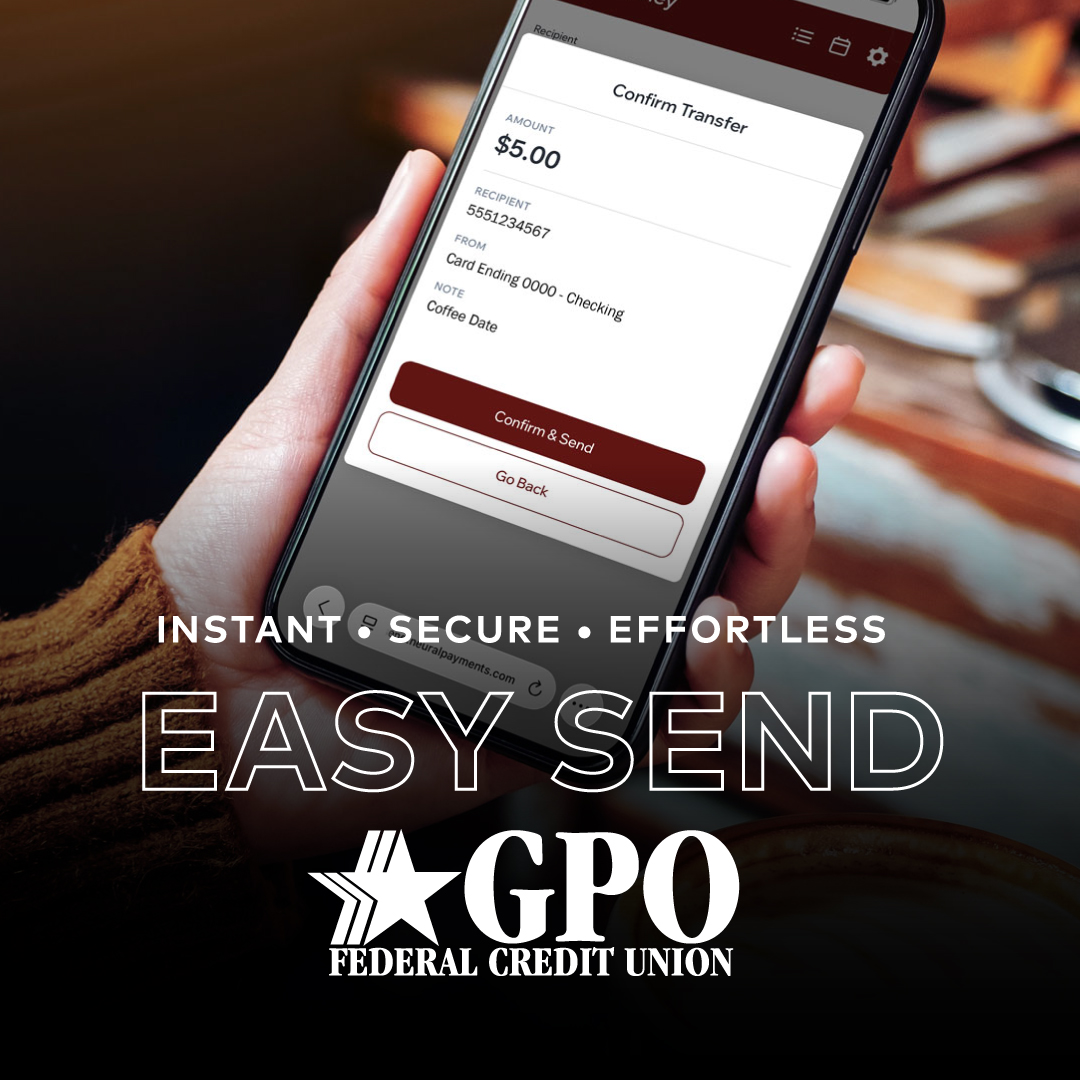
That's where Easy Send, GPO's new peer-to-peer (P2P) payment service, comes in. Powered by Neural Payments, Easy Send gives members another convenient way to send money directly through GPO's online and mobile banking.
No separate payment app to download. No need for the recipient to bank with GPO. Just a familiar place to manage your money and make those everyday payments a little easier.
One Less App, One More Way to Connect
With so many payment options available, it's easy to end up switching between apps just to manage everyday expenses.
Easy Send brings that functionality into the digital banking experience GPO members already use, whether you're reimbursing a coworker for lunch, sharing the cost of a family gift, or sending money to someone who lives across the country.
Here's what makes it useful:
- No extra apps: Send money directly through GPO's mobile app or online banking.
- Simple payments: All you need is the recipient's email address or mobile phone number.
- Flexible receiving options: Recipients can choose to receive funds through a GPO checking account, another checking account linked to a debit card, or a gift card from participating businesses.
- Fast transfers: Most payments are completed instantly, although timing can vary based on the recipient's chosen receiving method.
- No additional service fee: Easy Send is free to use, although standard messaging and data rates may apply.
One important detail to know is that Easy Send payments are funded through your debit card, using money from your checking account. Payments cannot be sent directly from a savings or money market account.
It's a practical way to handle those everyday exchanges without juggling multiple payment platforms.
Getting Started Is Simple
Because Easy Send is already integrated into GPO's digital banking, there's no separate account or application to set up.
To make a payment, log in to GPO's mobile app or online banking, select Easy Send from the main menu, and enter the recipient's email address or phone number.
From there, choose the amount and payment card, add an optional note, and send your payment. Members initiating payments through mobile banking will also need to verify the transaction by text or email.
That's all it takes to get started.
A Quick Reminder Before You Hit Send
While sending money is becoming easier, it's still important to be thoughtful about who you're sending it to.
Before making a payment, take a moment to:
- Double-check the recipient's information. A small typo in an email address or phone number could send money to the wrong person.
- Verify unexpected requests. If someone contacts you asking for money, reach out to them through a trusted method before sending anything.
- Only send money to people you know and trust. Transfers can happen quickly, and recovering funds sent to the wrong person or a scammer may be difficult.
Easy Send includes built-in fraud protection features, but taking a few seconds to review a payment is always a smart habit.
Banking That Fits into Your Everyday Life
At GPO, introducing new technology isn't simply about adding another feature. It's about finding practical ways to make everyday banking more convenient for the people who count on us.
Whether you're paying someone back after dinner, helping a family member with an unexpected expense, or contributing to a group gift, Easy Send gives you another way to take care of those moments through the banking tools you already use.
And when you have questions, GPO's local team is still here to help.
Ready to give Easy Send a try? Visit our webpage to explore the service, watch the demonstration video, or get started through GPO's online and mobile banking.